
Electricity is the item most often overlooked in display installation. We've seen many sites start with "there's an outlet, so it'll be fine," only for the breaker to trip the moment a white screen appears. LED displays have power draw that swings sharply with content, so electrical capacity must be sized for the maximum, not the average.
This article follows the exact order we use to scope electrical work. With the screen size and module spec sheet, anyone can make a rough calculation.
1. Find the "maximum power consumption" in the spec sheet
Not the average — the maximum (Max Power).
Module and cabinet spec sheets usually list maximum power consumption (Max) and average power consumption (Average/Typical) in W per ㎡. Maximum is a full-white screen at full brightness; average is normal video playback (roughly 35–40% of maximum). Outdoor modules peak at 400–900W/㎡; indoor modules are lower. Size breakers, cables and distribution boards using the maximum, and calculate electricity costs using the average. Mix them up, and either the breaker trips or the electricity bill comes out three times too high.
2. Multiply by area and add a 20–30% margin
Example: outdoor 6m × 3m with 600W/㎡ max modules gives a design capacity of about 14kW.
18㎡ × 600W = 10.8kW is the maximum power. Add 20–30% for inrush current at power-on and for aging, and the design capacity comes to about 14kW. This value determines the dedicated circuit's wire size and breaker rating. For electricity costs, on the other hand, take 10.8kW × 35–40% ≈ 4kW as operating power. Running 16 hours a day uses about 64kWh, or about 1,900kWh a month (rates vary by contract type and unit price).

3. A dedicated circuit + distribution board is the rule
Don't tap into existing store circuits. The controller shouldn't share the circuit either.
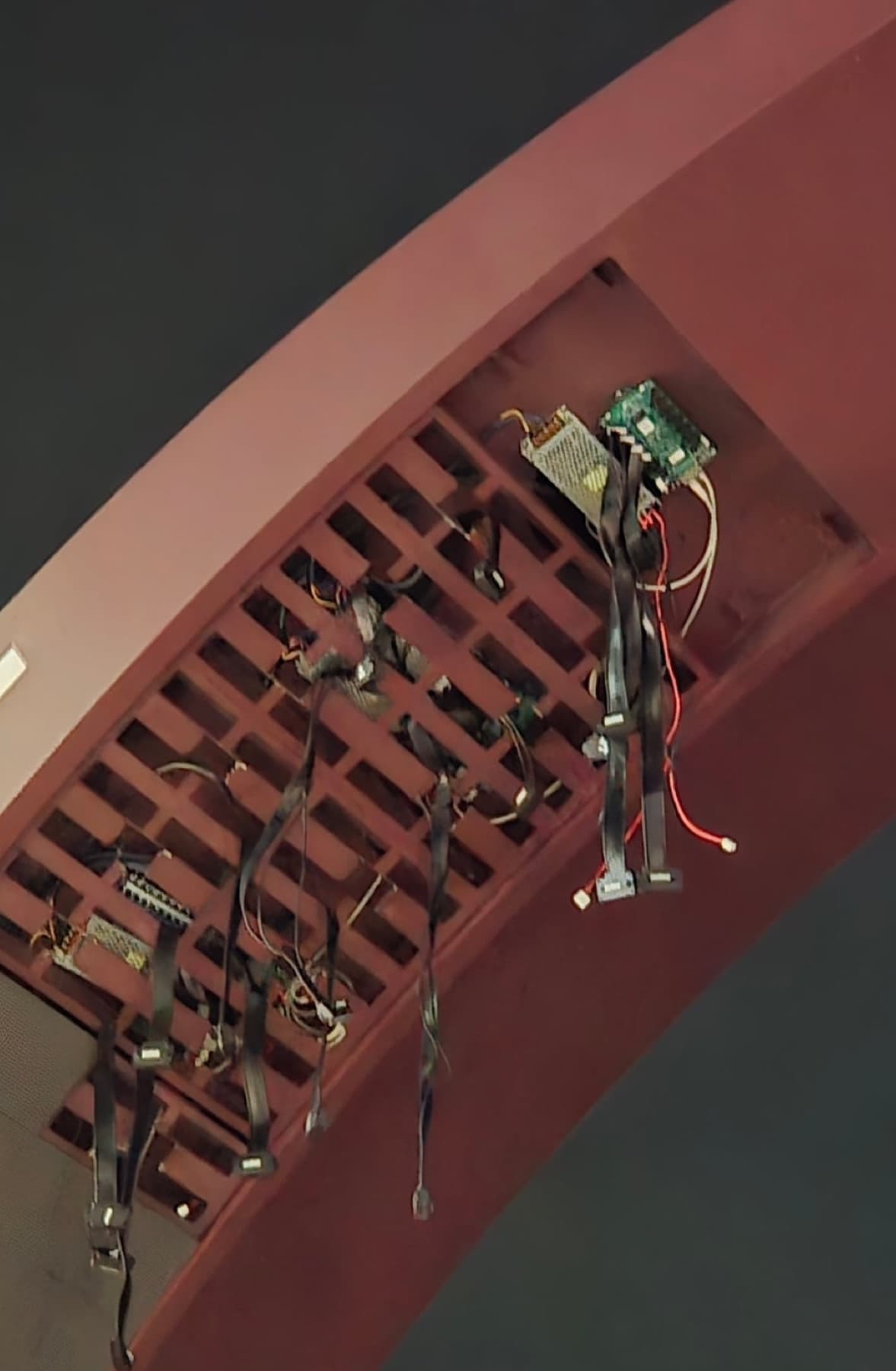
An outdoor display is connected via a dedicated circuit from its own breaker in the distribution board. If it shares a lighting or air-conditioning circuit, other equipment shuts off the moment the display brightens. For large displays, a new distribution board is installed next to the display to feed each cabinet's power supply. The controller and network equipment run on a separate circuit (ideally an uninterruptible power supply). On our sites, the final inspection covers the distribution board's power supply status, every connection, and grounding.
Outdoors, grounding and a surge protective device (SPD) are essential. Even without a direct lightning strike, a surge from nearby lightning can knock out receiving cards and power supplies at once — one of the most common causes of failure.
4. Electrical work includes cable routing and waterproofing
The route for power and signal cables, waterproofed entry points, and slack for servicing.
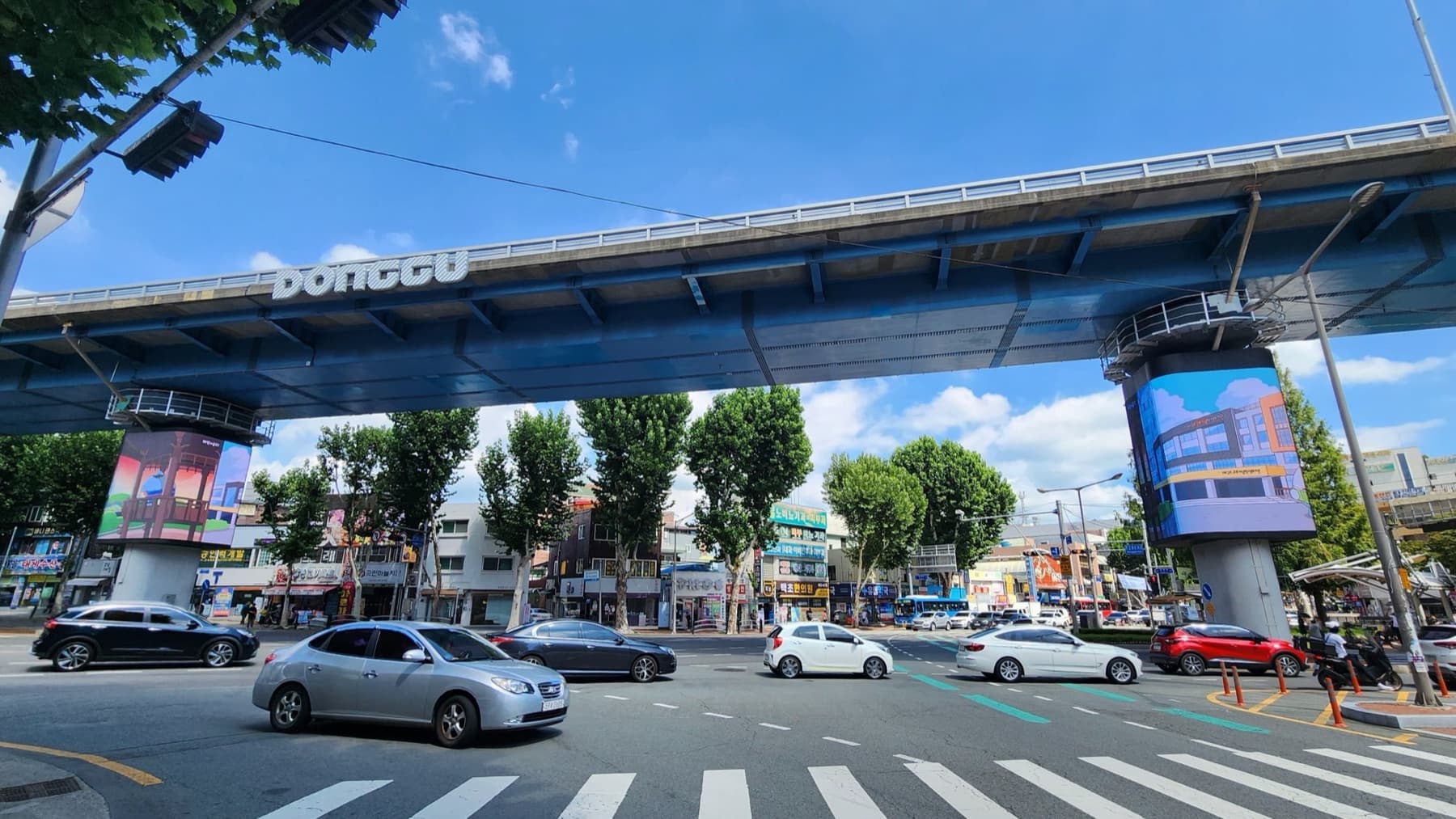
Power and data cables (fiber or UTP) run along a set route from the distribution board and controller to the display. The scope of work depends on whether wall penetrations, conduits or trays are needed and whether any sections are exposed outdoors. Cables between cabinets are connected in sequence and tidied so they don't sag or tangle. Exposed outdoor connections are waterproofed, and cables are protected from being pinched by the structure. We also leave slack and service space for future inspections and part replacements. The Cheongdo Market and Hyangchon Cultural Center projects followed this sequence.
5. Brightness schedules cut electricity costs
Automatic night dimming prevents complaints and saves power.
Power consumption is nearly proportional to brightness. Dimming at night with an ambient light sensor and setting operating hours (e.g. 07:00–23:00) lowers average power significantly. Content matters too. White-background images use far more power than black ones, so simply designing 24-hour information screens with dark backgrounds reduces electricity costs.
① Approximate electrical work by screen size
Examples based on outdoor modules at 600W/㎡ max with a 30% margin. Actual figures are calculated from spec sheet values.
| Screen size | Max power | Design capacity (×1.3) | Typically required |
|---|---|---|---|
| 2m × 1m (2㎡) | About 1.2kW | About 1.6kW | 1 dedicated breaker circuit |
| 4m × 2m (8㎡) | About 4.8kW | About 6.2kW | Dedicated circuit + separate breaker, grounding and SPD |
| 6m × 3m (18㎡) | About 10.8kW | About 14kW | New distribution board for the display, consider 3-phase power |
| 10m × 5m (50㎡) | About 30kW | About 39kW | 3-phase power, new distribution board, consider increasing service capacity |
② Electrical checklist
Send us this information with your quote request and we can scope the electrical work right away.
 Max/average power consumption (W/㎡) from the module spec sheet
- Photo of the nearest distribution board (breaker ratings, free slots) and its distance to the display
- Building service capacity and contract type (single-phase/3-phase)
- Indoor space for the controller and network (internet) availability
- Route for power and signal cables (whether wall penetration or conduit is possible)
- Operating hours and nighttime brightness policy
Max/average power and 20–30% margin: LEGIDATECH, LED Screen Power Supply to Power Consumption · DOIT Vision, LED Display Power Consumption · NSELED, Power Consumption / Electricity cost calculation (average power × hours): Linsn, Power Consumption Guide · LEDinCloud, Calculate Power Consumption and Plan Cables. Cabling, waterproofing and final inspection procedures come from LO-GIN IT project records (Cheongdo Market, Hyangchon Cultural Center, Keungogae Intersection). The kW values in the table are calculated from example specs. Electrical work is carried out by licensed electrical contractors in accordance with applicable regulations.
Recommended specs for this guide
- Design capacity = max power (W/㎡) × area × 1.2~1.3
- Electricity cost = max × 35~40% × operating hours
- Dedicated circuit + grounding + SPD required
- Automatic night dimming + operating-hour schedule