
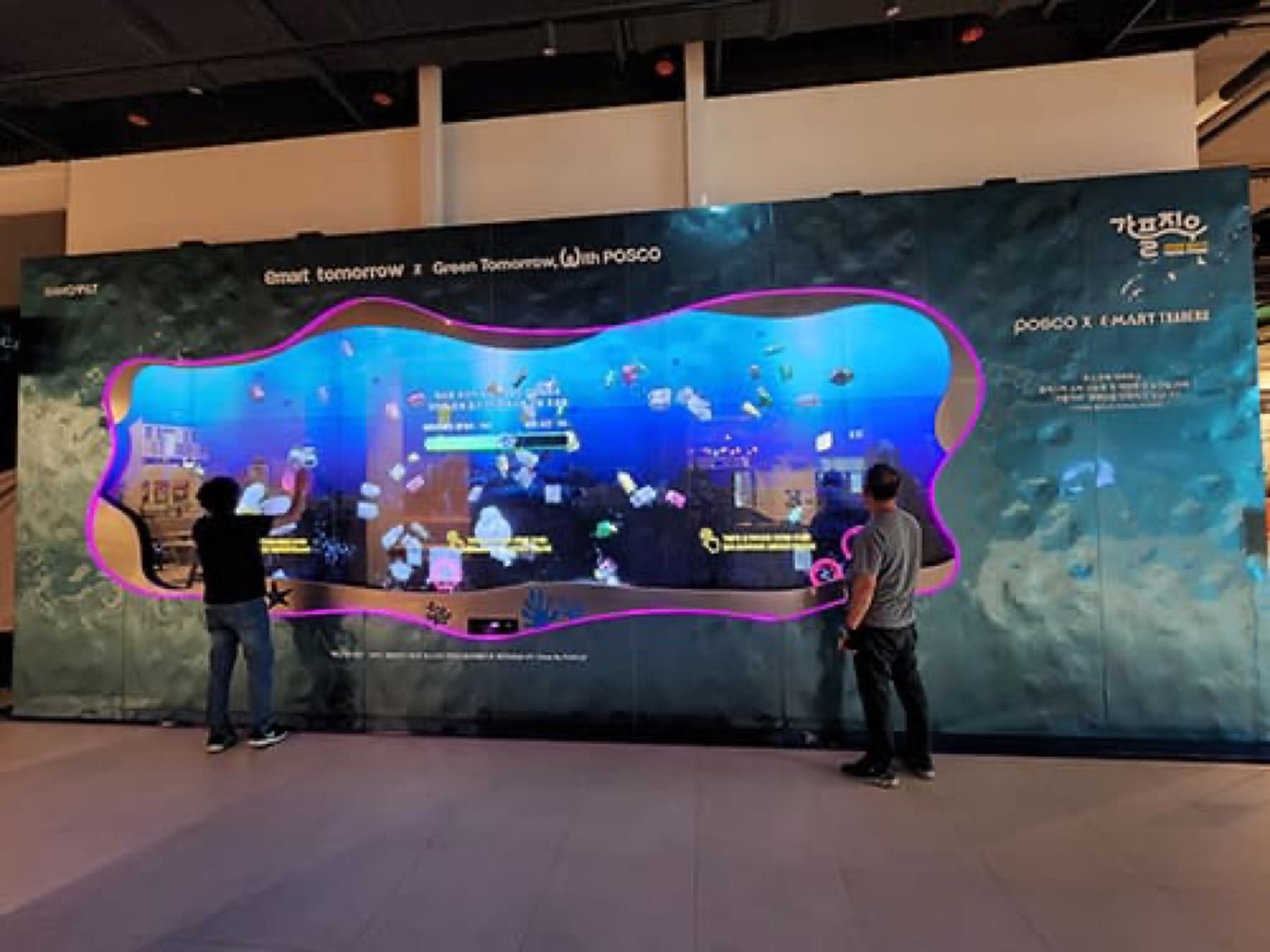
Running an LED display is less about switching it on and more about what gets changed, by whom, and how. After installation, the most common questions are "How do I upload videos?", "Can we play something different just for events?" and "Can we change it from the office?"
This guide covers the difference between the two control methods, a setup for remote operation via the cloud, and what operators should collect at handover.
1. The signal path
Content → controller → receiving card → module. The controller is where the paths split.
Content passes through the controller (sending unit) to the receiving card in each cabinet, and the receiving card drives the LED modules. Operation is completely different depending on whether the controller sends a PC screen in real time (synchronous) or stores content and plays it on its own (asynchronous).

2. Synchronous vs. asynchronous
Synchronous is standard for events and stages; asynchronous for always-on promotion and information.
| Category | Synchronous | Asynchronous |
|---|---|---|
| How it works | Sends the PC or video source screen in real time | Stores content on the controller and plays it independently |
| PC connection | Always needed (screen goes off when the PC does) | Not needed; publish remotely over the network |
| Best for | Stages · events · live broadcasts · real-time information | Outdoor promotion · information · always-on signage |
| Remote operation | Requires separate software or PC remote access | Publish and schedule on the web via cloud CMS |
| Our projects | Event cubes · mobile units (on-site PC) | Keungogae pier · Hyangchon gate · Cheongdo arch (always on) |
3. What a cloud CMS does
Run multiple displays at once from an office browser.
Asynchronous controllers connect to the manufacturer's cloud (e.g., NovaStar VNNOX) or your own CMS and are operated on the web. You can handle content upload and publishing, playlists and time schedules, brightness and power-on scheduling, group control of multiple screens, monitoring of temperature, voltage and network status, proof-of-play logs, and remote firmware updates.
For local governments and public agencies, asynchronous + CMS is the standard setup: they can manage multiple sites from one account and use playback logs as proof of ad delivery. Note that cloud publishing works only with asynchronous controllers, not synchronous equipment.
4. Content is made to fit the screen
We give you the resolution, aspect ratio and shape first.
At handover, we provide a document with the screen resolution (horizontal × vertical pixels), aspect ratio, recommended file formats and codecs, and maximum file size. For curved and column screens, we also include a screen area map (where it starts, ends and bends). Viewpoint-dependent content such as anamorphic video is produced for the main viewing position. The reference lines on the Keungogae pier cabinets are for this mapping.
With electricity costs and lifespan in mind, avoid static images on white backgrounds and use dark backgrounds and moving content. Text should be at least 1/10 of the screen height to be legible from a distance.
5. What operators receive at handover
Make sure you've received these five items.
 CMS accounts (separate admin and operator roles) and login instructions
- Screen spec sheet: resolution, aspect ratio, file format, size and mapping diagram
- Default schedule (operating hours, night brightness) and training on how to change it
- Emergency procedures: turning off the screen, black screen, reverting to default content
- After-sales and remote support contacts and response times
① Common questions
Questions that often come up early in operation.
| Question | Answer |
|---|---|
| Who makes the videos? | In-house or outsourced. Our quotes also include an option for us to handle production and mapping |
| Can we play something different just for events? | Add a playlist with set dates and times to the schedule |
| What if the internet goes down? | Asynchronous systems keep playing stored content and resync once the connection is back |
| Multiple sites at once? | Yes, with CMS group publishing; you can also set exception schedules per site |
| We need proof that content was played | Download playback logs and screenshot reports from the CMS |
Synchronous vs. asynchronous control: Linsn, Synchronous vs Asynchronous Control Systems · Dynamo, LED Display Controller Hardware / Cloud CMS: Dynamo, NovaStar Cloud CMS · Pixelight, CMS & Content Management Guide. Handover procedures, mapping and project setups are from LO-GIN IT operation records. Materials from domestic competitors were not cited, and figures vary by manufacturer, model and site.
Recommended specs for this guide
- Always-on: asynchronous controller + cloud CMS
- Events · stages: synchronous (on-site PC)
- Spec sheet, accounts and schedule training at handover
- Proof of delivery via playback logs